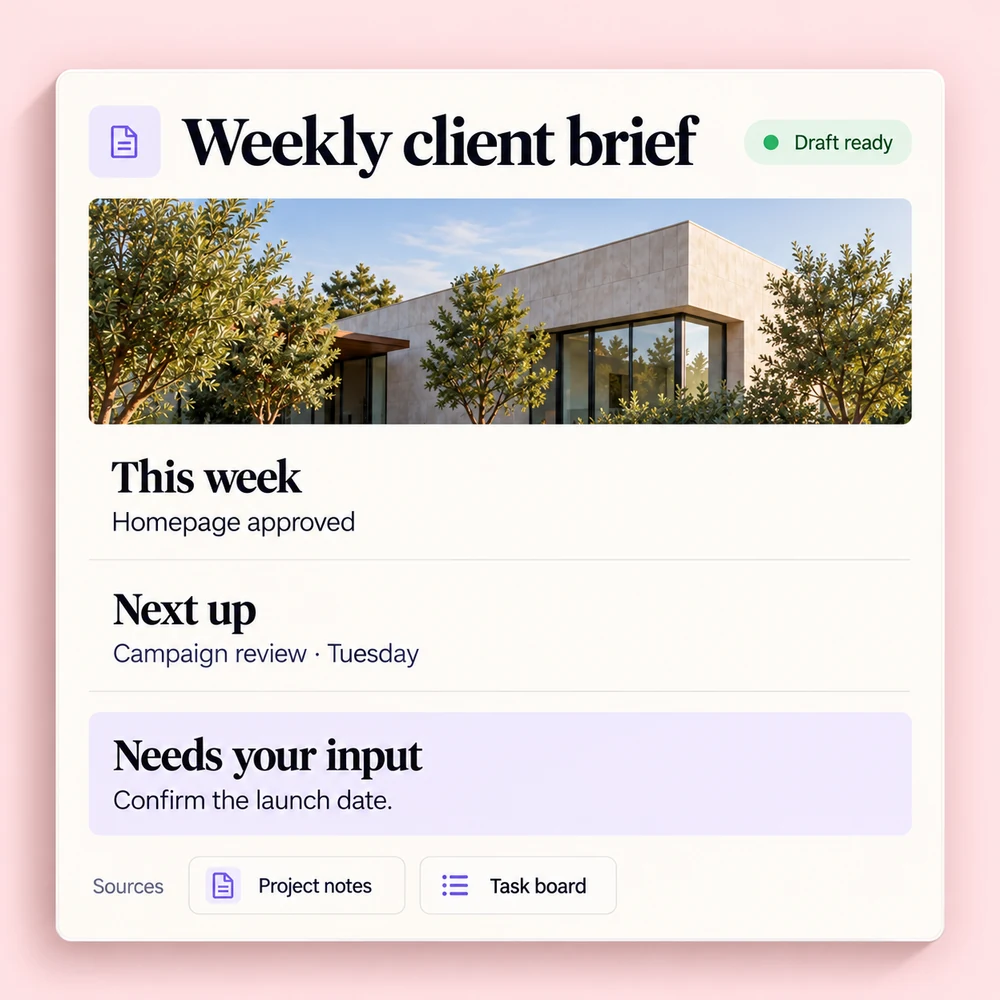
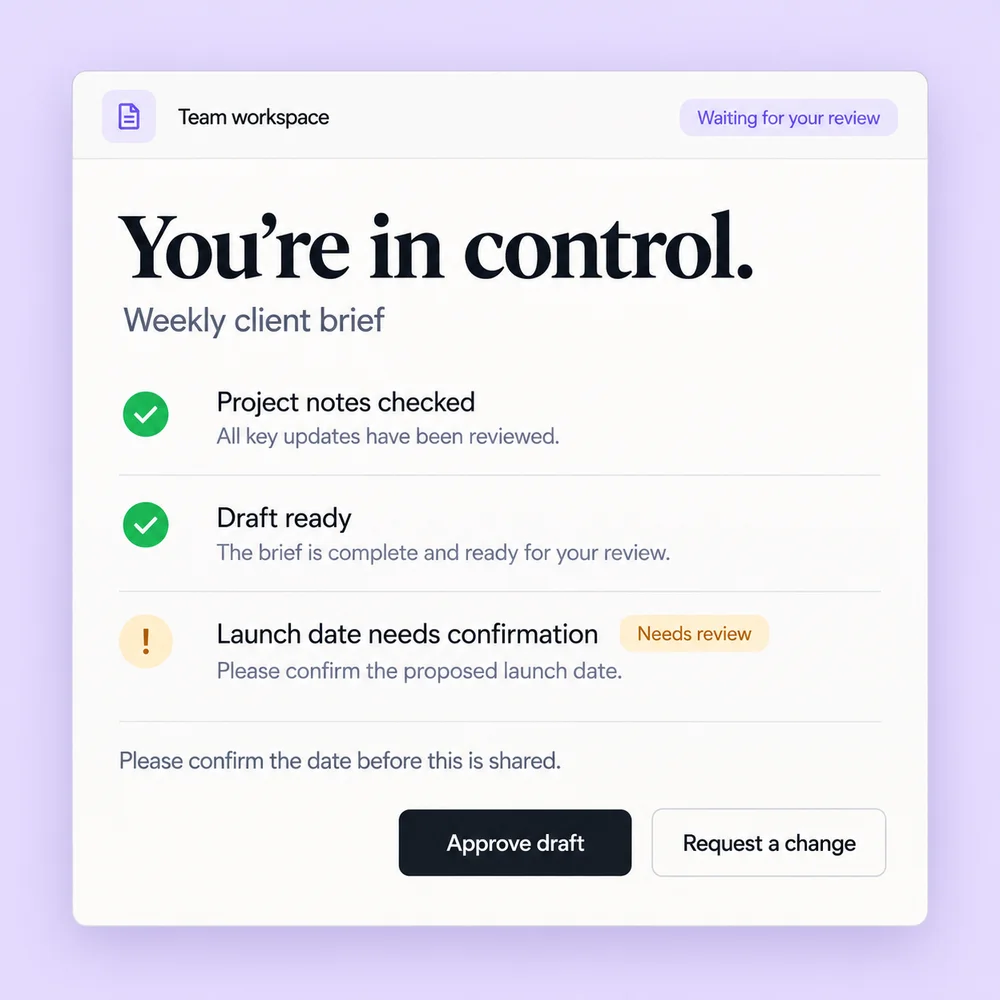
Client update
Your team gathers project notes and open tasks. AI drafts an update, flags missing details, and leaves the account owner to review before sharing.


AI Workspace Setup & Rollout
We set up your AI with the knowledge, tools, and routines your team uses every day.
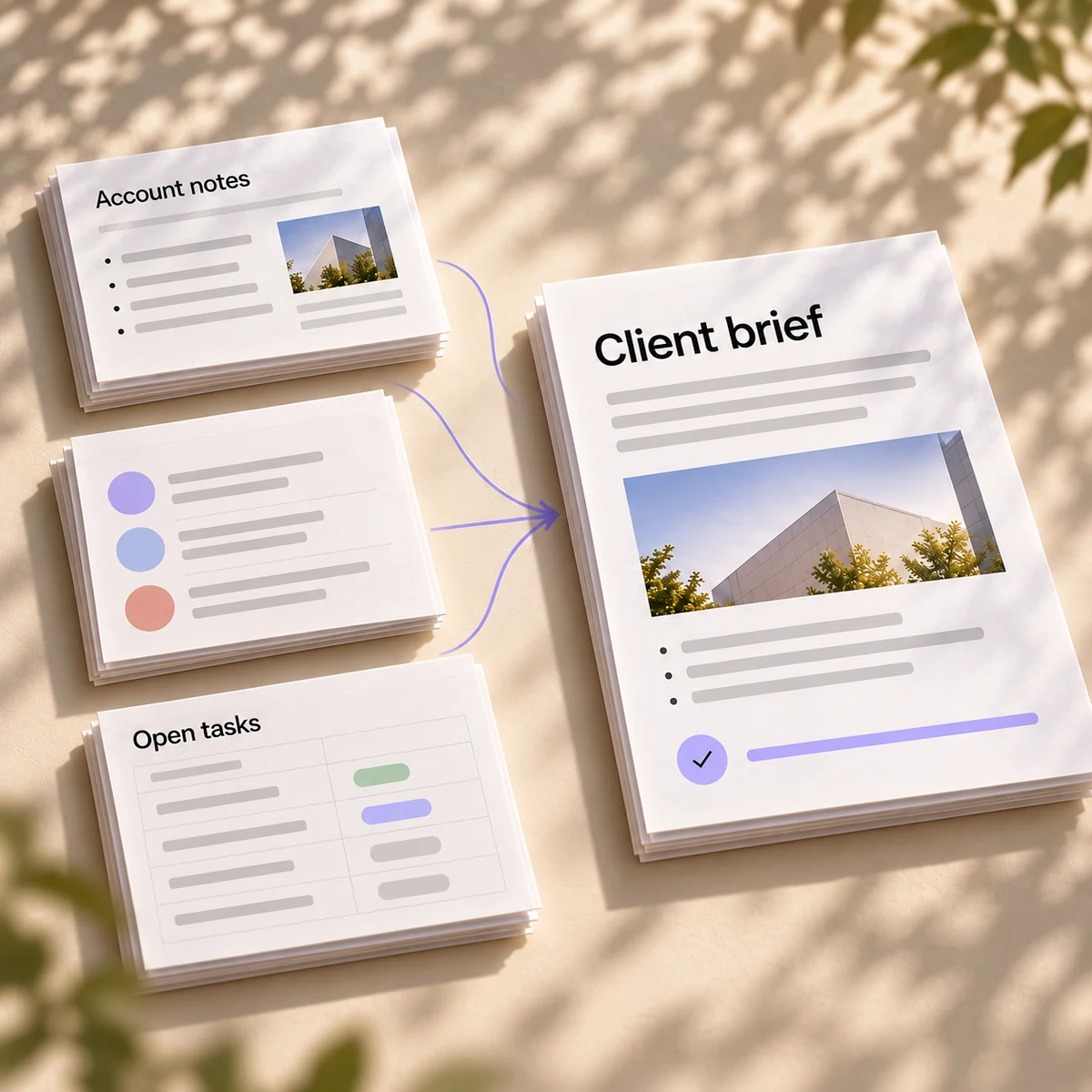
We configure the AI tools your team uses, connect the company context they need, and turn a useful first task into everyday work.
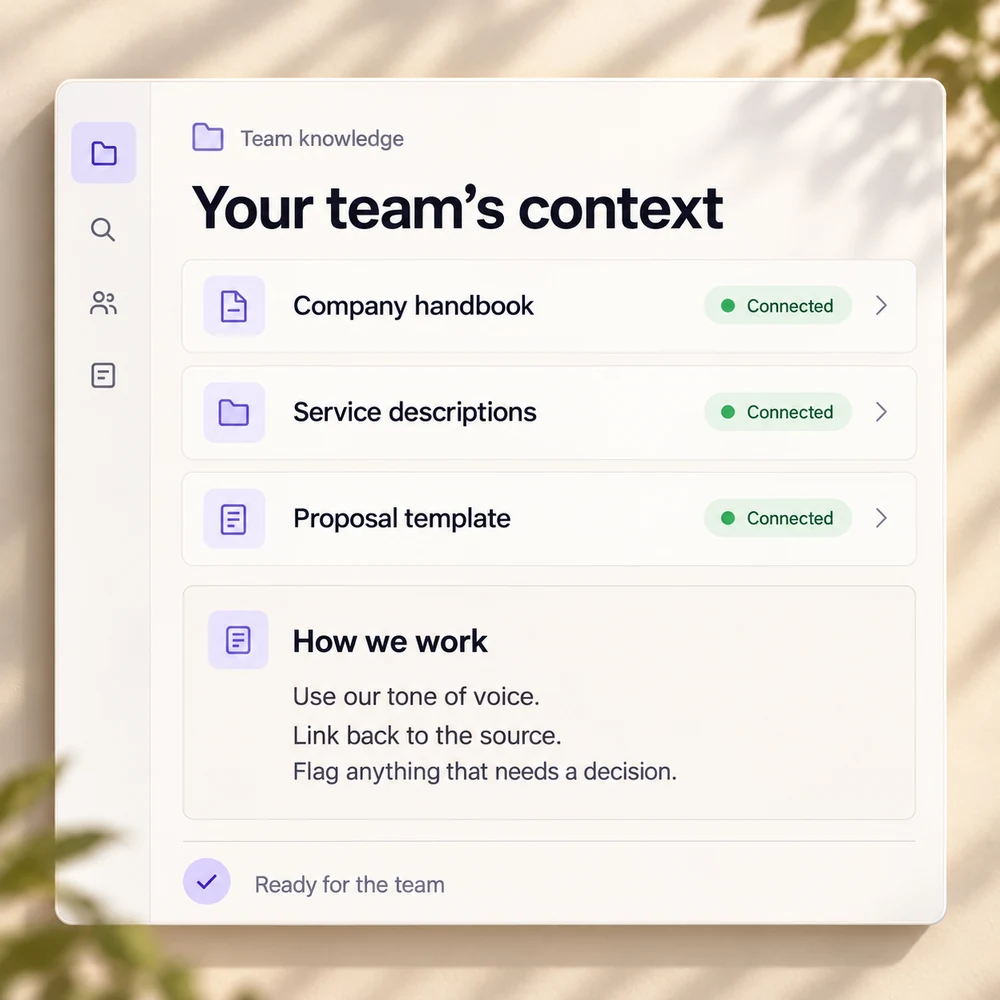
Bring approved documents, templates and team instructions together. Connect tools holding useful information, with access agreed by the people responsible for them.
Choose a workflow your team recognises. We configure it, test it on real work, and check that the result helps the person using it.
Set access roles and approval rules. Give people training, clear guidance and a documented handover, so they can use and maintain the workspace.
We choose tasks your platform supports.
01 of 03
We check features and plan eligibility before agreeing the setup.
Shared company knowledge in ChatGPT, with connected tools and dots that keep tasks moving between conversations.
Research, organise files and prepare documents with Claude and Cowork, using the folders and tools your team chooses.
AI teammates that work across apps and websites, remember the context and bring work back when your input is needed.
Draft emails, prepare documents, work with spreadsheets and turn meetings into follow-ups inside Google Workspace.
Work with company files, emails and meetings inside Word, Excel, PowerPoint, Outlook and Teams.
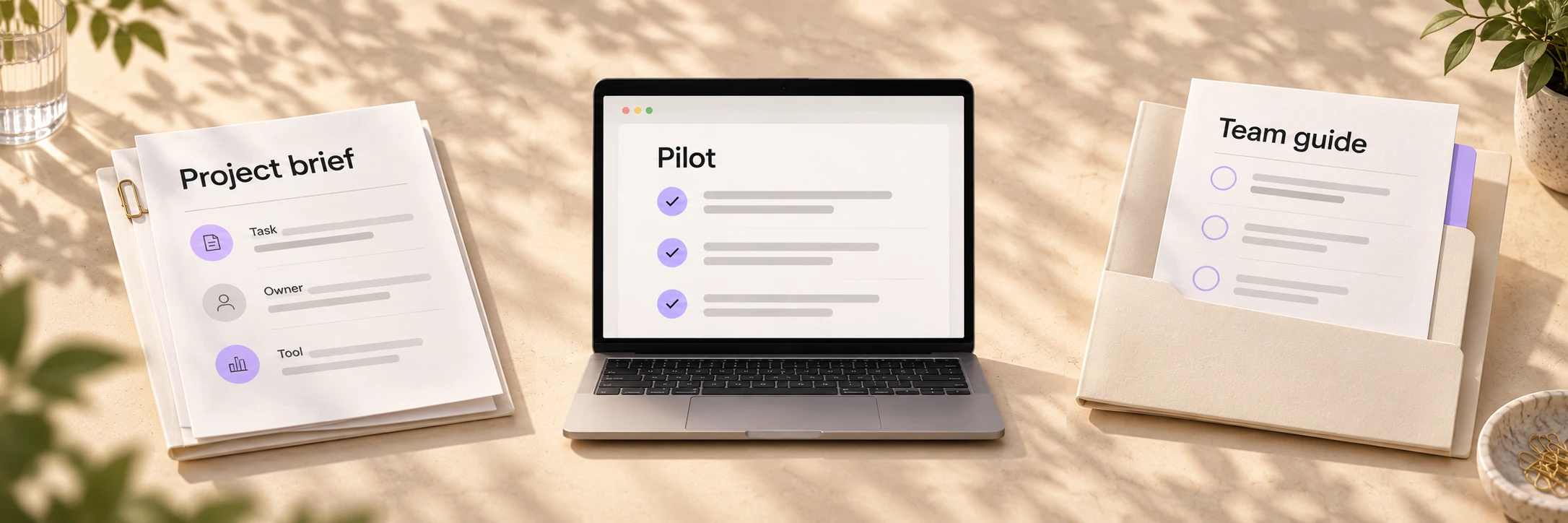
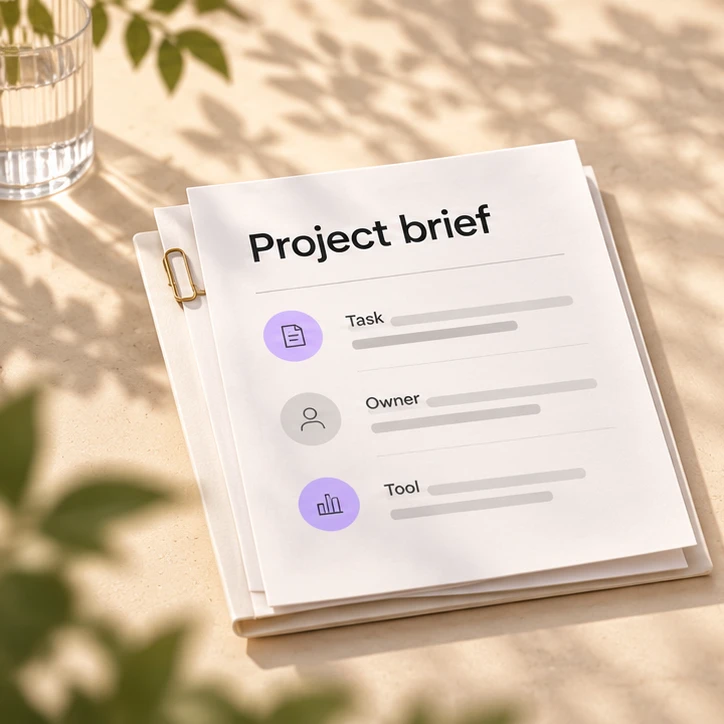
Agree the task, existing tools and person who owns the result.
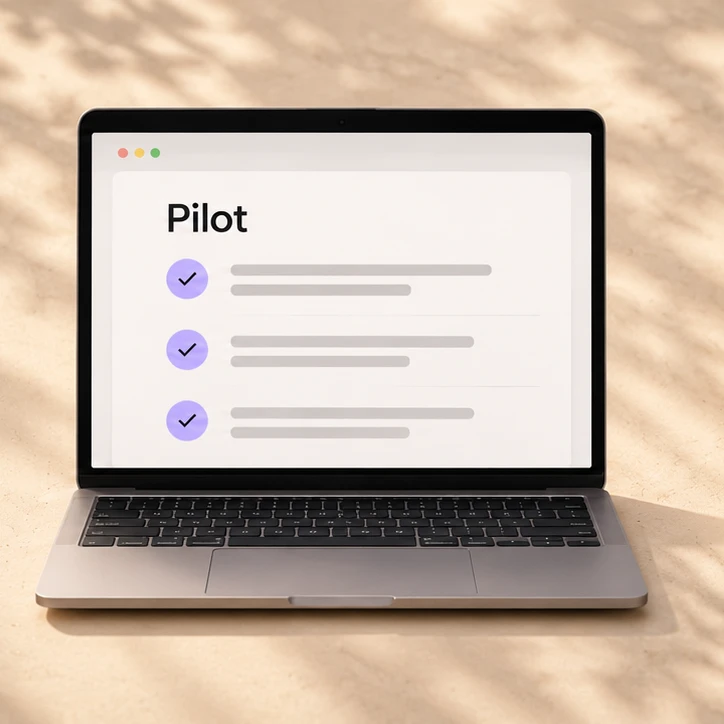
Configure a focused pilot and test it with your team.
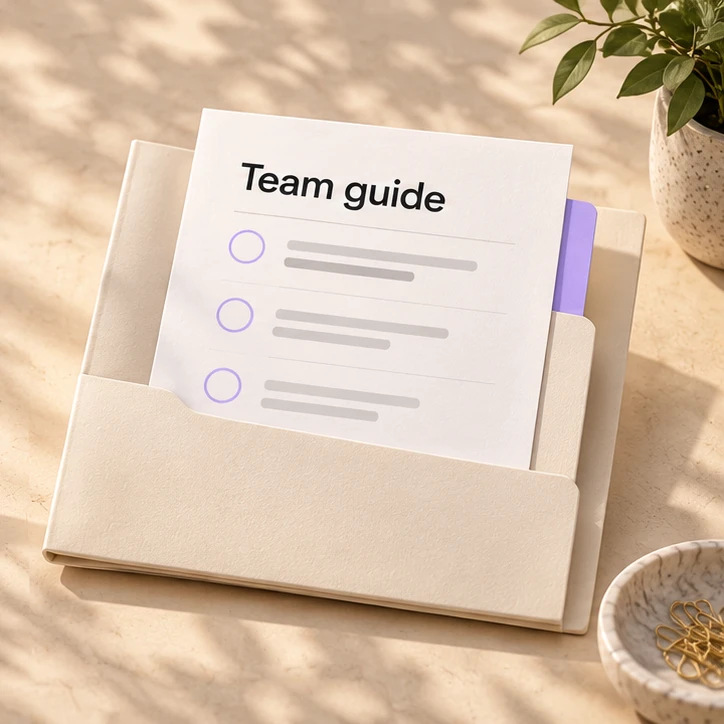
Train users and hand over the setup and guidance.
We agree a project fee based on workflow complexity, connected systems, access requirements and custom work. Software licences and usage costs are separate. Additional work is scoped before it starts.
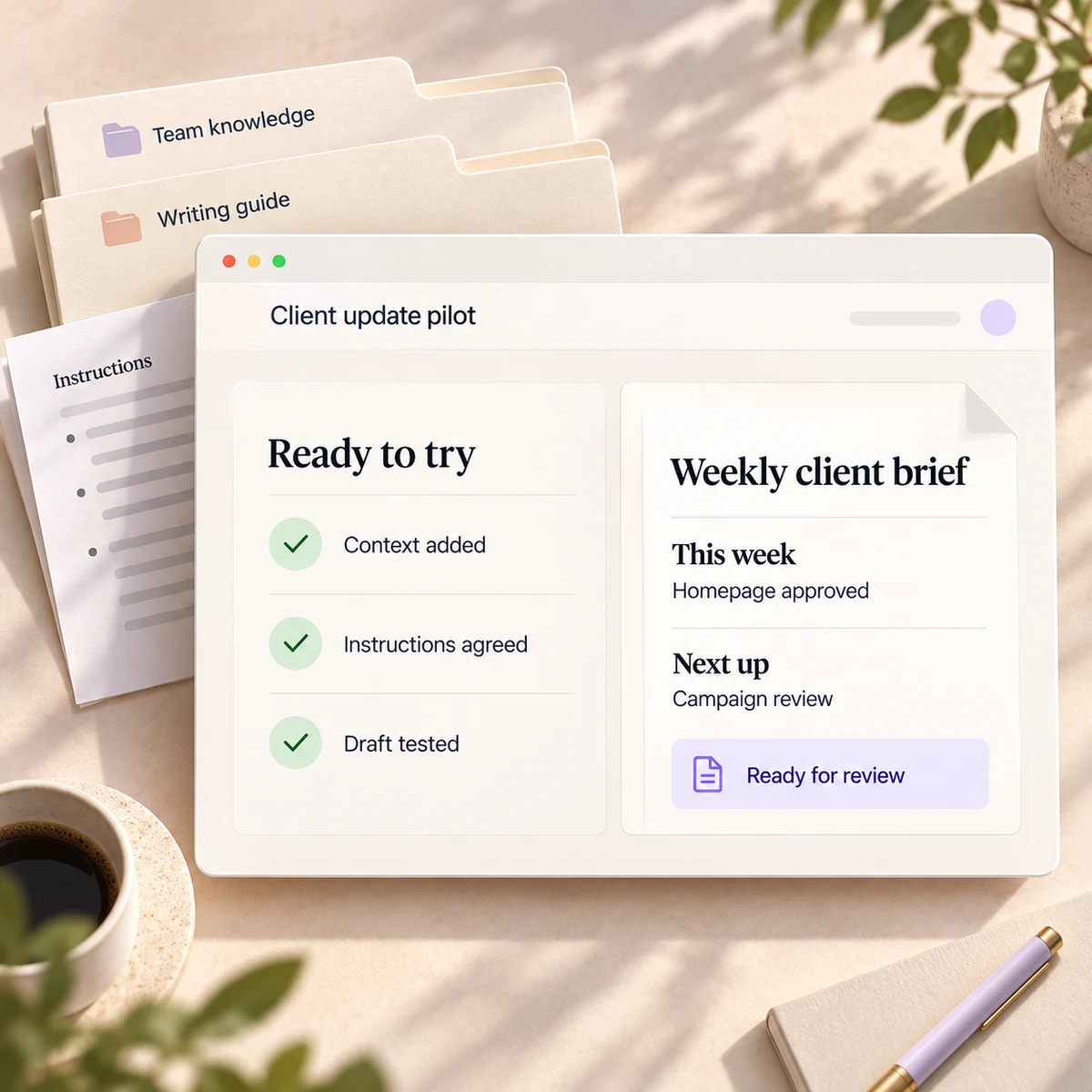
Configure the workspace and first agreed workflows.
Optional next steps
Add useful tasks, connections or teams in agreed stages.
Optional support keeps knowledge, workflows and guidance up to date.
Yes. We start with the tasks you want to improve, your existing tools and access needs. We compare suitable platforms and plans before agreeing the setup.
Yes. We check your current plans, available features and administrator access first. If the agreed work needs a different plan, we explain the change before implementation.
Workflow count is one factor. Complexity, connected systems, source material, access rules and custom development also affect effort. We agree the scope and fee before starting.
You receive the agreed configuration, organised knowledge and instructions, tested workflows, documented access and review rules, plus practical guidance for your users and the person maintaining the setup.
The proposal defines any support included in the initial project. Continued maintenance, improvements and team guidance can be agreed separately, with clear responsibilities and limits on the work covered.
Yes, when existing connections do not cover the agreed task. We assess the systems and access needed, then scope development and future maintenance separately before work begins.
AI Workspace Setup & Rollout
Choose a question about this service, then explore your next step with your AI assistant.
Tell us which tools you use, the work you want to improve, and who owns it. We’ll define a first project with clear deliverables and responsibilities.